


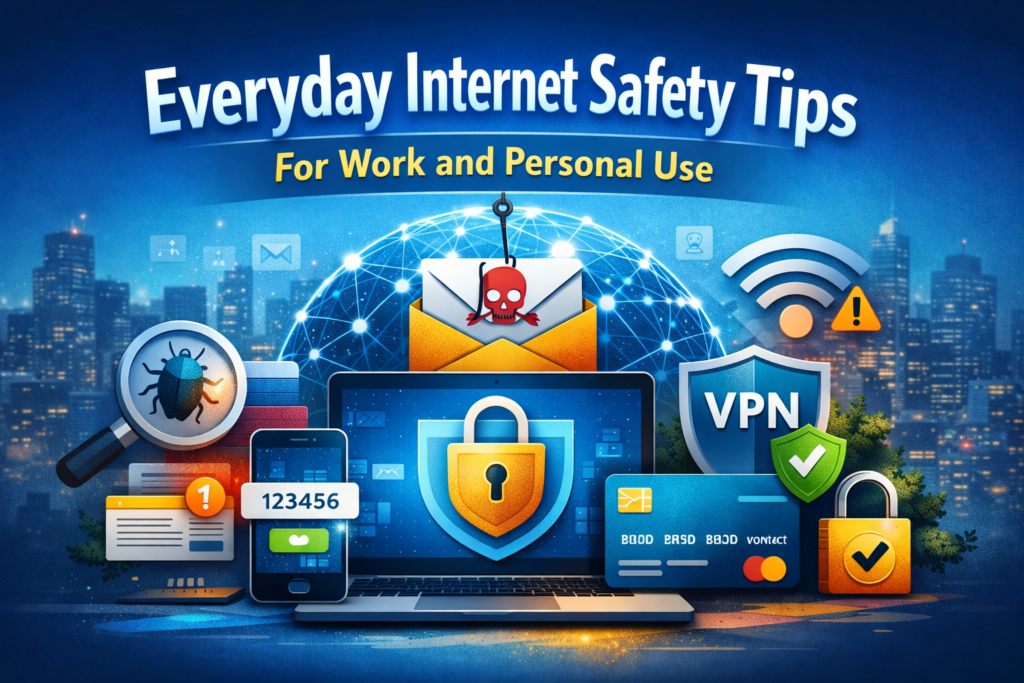
The internet plays a central role in both professional and personal life. From sending work emails and attending virtual meetings to online shopping and social media browsing, we rely on the internet every day. However, increased online activity also increases exposure to cyber threats. Practicing basic internet safety habits can significantly reduce risks such as data theft, fraud, and malware infections.
This guide covers practical, everyday internet safety tips that help protect your data, devices, and online identity – whether you are working from an office, home, or browsing for personal use.
Understanding Everyday Internet Threats
Internet threats are no longer limited to large organizations. Individuals, freelancers, and small businesses are frequent targets because attackers assume weaker security practices.
Common Internet Threats and How to Avoid Them
| Internet Threat | What It Does | How to Stay Safe |
|---|---|---|
| Phishing | Tricks users into sharing sensitive data | Verify emails and links before clicking |
| Malware | Damages or spies on devices | Use antivirus and avoid unsafe downloads |
| Identity Theft | Steals personal or financial details | Use strong passwords and 2FA |
| Public Wi-Fi Attacks | Intercepts online data | Avoid sensitive logins or use a VPN |
Common Online Risks You Should Know
- Phishing attacks use fake emails or messages to trick users into sharing passwords, banking details, or company credentials. These often appear as urgent requests from trusted brands or colleagues.
- Malware and spyware can enter your system through unsafe downloads, email attachments, or malicious websites, leading to data loss or device damage.
- Data breaches and identity theft occur when personal or professional information is stolen and misused for financial or criminal activities.
- Public Wi-Fi risks arise when unsecured networks allow attackers to intercept data transmitted over the connection.
Basic Internet Safety Habits Everyone Should Follow
Use Strong and Unique Passwords
A strong password is the first line of defense against unauthorized access. It should be long, unique, and difficult to guess.
Everyday Internet Safety Tips for Work and Personal Use
| Safety Tip | Work Use | Personal Use |
|---|---|---|
| Strong Passwords | Protect company accounts | Secure personal logins |
| Two-Factor Authentication | Prevent account breaches | Protect email and social media |
| Software Updates | Fix system vulnerabilities | Improve device security |
| Email Verification | Avoid phishing emails | Prevent online scams |
Best practices include:
- Using a mix of uppercase letters, lowercase letters, numbers, and symbols
- Avoiding common words or personal details
- Never reusing the same password across multiple accounts
Password managers can help store and generate secure passwords without needing to remember each one.
Enable Two-Factor Authentication (2FA)
Two-factor authentication adds an extra security layer by requiring a second verification step, such as a code sent to your phone or an authentication app.
Enable 2FA on:
- Email accounts
- Work tools and dashboards
- Banking and payment apps
- Social media platforms
Even if a password is compromised, 2FA helps prevent account takeover.
Keep Software and Devices Updated
Software updates often include security patches that fix known vulnerabilities. Ignoring updates leaves devices exposed to attacks.
Ensure regular updates for:
- Operating systems
- Web browsers
- Antivirus software
- Mobile apps
Automatic updates are recommended whenever available.
Safe Internet Practices for Work Environments
Be Careful with Work Emails and Links
Workplace phishing emails often mimic internal communication or vendor messages. Always verify before clicking links or downloading attachments.
Safe vs Unsafe Online Behavior
| Activity | Safe Practice | Unsafe Practice |
|---|---|---|
| Email Links | Check sender and URL | Clicking unknown links |
| Downloads | Use official sources | Third-party download sites |
| Online Payments | HTTPS websites only | Entering data on unsecured sites |
| Public Wi-Fi | Limited browsing | Banking or work logins |
Look for warning signs such as:
- Unexpected urgency
- Spelling or formatting errors
- Mismatched sender email addresses
When in doubt, confirm directly with the sender or IT team.
Secure Company Data and Files
Only use approved tools for storing and sharing company data. Uploading files to personal cloud storage or sending them via unsecured platforms increases the risk of data leaks.
Follow company guidelines for:
- File sharing
- Remote access
- Data backups
Follow Workplace Security Policies
Security policies exist to protect both employees and organizations. These include rules for device usage, password management, and incident reporting.
Report suspicious activity immediately to reduce potential damage.
Internet Safety Tips for Personal Use
Secure Your Social Media Accounts
Social media accounts contain personal data that attackers can misuse. Review privacy settings regularly and limit public visibility of sensitive information.
Avoid:
- Sharing phone numbers or addresses publicly
- Accepting unknown connection requests
- Clicking links from unverified profiles
Shop and Bank Safely Online
Always verify that websites use secure connections before entering payment details.
Safe online shopping tips:
- Look for HTTPS in the website URL
- Avoid deals that seem unrealistically cheap
- Use trusted payment methods
- Never share OTPs or banking credentials
Protect Personal Devices at Home
Install reliable antivirus software and enable firewalls on laptops and desktops. Secure your home Wi-Fi network with a strong password and updated router firmware.
Safe Browsing and Downloading Practices
Identify Safe and Unsafe Websites
Modern browsers warn users about unsafe sites, but caution is still necessary. Avoid websites with excessive pop-ups, fake download buttons, or misleading ads.
Trusted websites usually:
- Use HTTPS encryption
- Have clear contact information
- Do not force downloads
Download Apps and Files from Trusted Sources
Only download apps from official app stores or verified websites. Third-party downloads often bundle malware or unwanted software.
Check app permissions and remove any software you no longer use.
Using Public Wi-Fi Safely
Risks of Public Wi-Fi Networks
Public Wi-Fi networks are often unsecured, making it easy for attackers to intercept data such as login credentials and personal messages.
Public Wi-Fi Safety Checklist
| Action | Recommended |
|---|---|
| Use VPN | Yes |
| Access bank accounts | No |
| Log into work tools | No |
| Auto-connect enabled | No |
| Disconnect after use | Yes |
Best Practices When Using Public Internet
When connected to public Wi-Fi:
- Avoid logging into banking or work accounts
- Do not access sensitive documents
- Use a VPN to encrypt your connection
- Disconnect when not in use
Teaching Internet Safety to Family and Colleagues
Internet safety is more effective when everyone follows secure practices. Educating family members and coworkers helps reduce risks across shared networks and devices.
Encourage:
- Strong password habits
- Awareness of online scams
- Safe browsing behavior
Quick Daily Internet Safety Checklist
- Use unique passwords for important accounts
- Enable two-factor authentication
- Verify emails before clicking links
- Keep devices and software updated
- Avoid unsecured public Wi-Fi for sensitive tasks
| Task | Frequency |
|---|
| Update software | Weekly |
| Change weak passwords | Monthly |
| Review privacy settings | Monthly |
| Scan device for malware | Weekly |
| Backup important data | Regularly |
Conclusion
Everyday internet safety does not require advanced technical knowledge. Simple habits like using strong passwords, staying alert to phishing attempts, and keeping software updated can significantly reduce online risks. Whether at work or browsing at home, staying proactive and informed is the key to a safer digital experience.
The most common risks include phishing attacks, malware infections, data breaches, identity theft, and unsecured public Wi-Fi usage.
You can stay safe by verifying emails, following company security policies, using strong passwords, enabling two-factor authentication, and avoiding unauthorized file sharing tools.
Public Wi-Fi is generally unsafe for sensitive activities. Avoid logging into financial or work accounts unless you are using a VPN.
Updates fix known vulnerabilities that attackers exploit. Skipping updates leaves devices exposed to security threats.
The easiest steps include using unique passwords, enabling two-factor authentication, and being cautious with emails and downloads.